How to Extract Pinterest Data Without Getting Blocked
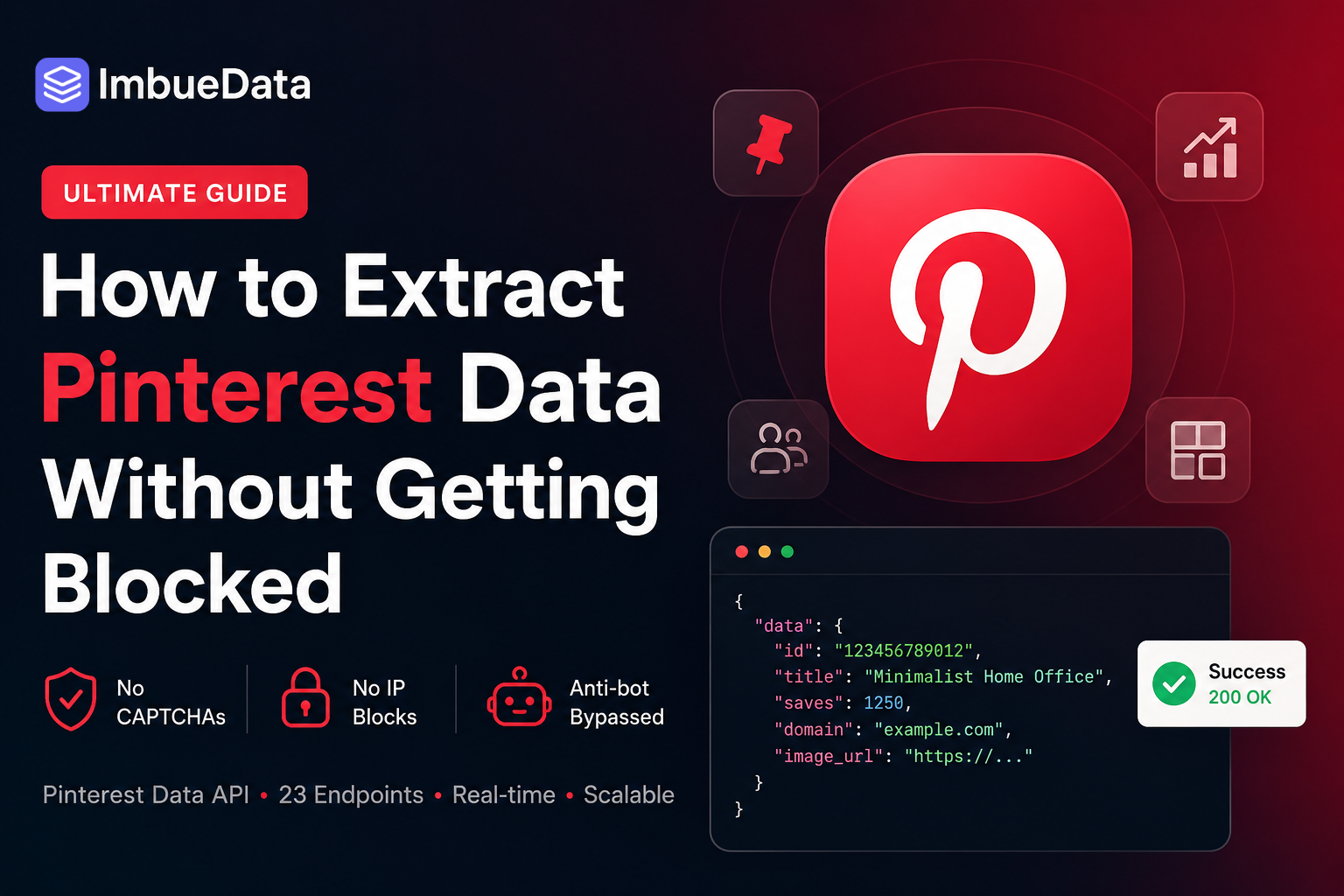
If You've Ever Tried to Scrape Pinterest, You Know the Pain
You spin up Puppeteer. It works for 20 requests. Then the CAPTCHAs start. Then the IP blocks. Then you're banned before you've even built the thing you came to build.
Pinterest is one of the most visually rich, data-dense platforms on the internet — but it guards its data aggressively. The official Pinterest API requires app approval, is heavily rate-limited, and doesn't expose most of the data you actually want (like related pins, board sections, or user follower lists).
So what do developers do?
The smart ones use ImbueData — a specialized data extraction API that authenticates as a mobile device to get around anti-bot detection. It exposes 23 Pinterest endpoints in a clean REST API that returns structured JSON. No OAuth. No app approval. No CAPTCHAs.
Let me show you what you can actually build with it.
What ImbueData Gives You for Pinterest
Here's the full breakdown of what's available:
Pins
* GET /api/v1/pinterest/pins/info — Full metadata for any pin
* GET /api/v1/pinterest/pins/related — Related pins for a given pin
* GET /api/v1/pinterest/pins/search — Keyword search across all pins
Boards
* GET /api/v1/pinterest/boards/info — Board details
* GET /api/v1/pinterest/boards/pins — All pins in a board (paginated)
* GET /api/v1/pinterest/boards/user — All boards for a username
* GET /api/v1/pinterest/boards/section — A specific board section
* GET /api/v1/pinterest/boards/sections — All sections in a board
Users
* GET /api/v1/pinterest/users/profile — Full user profile with stats
* GET /api/v1/pinterest/users/pins — All pins by a user
* GET /api/v1/pinterest/users/following — Who a user follows
* GET /api/v1/pinterest/users/followers — Who follows a user
Authentication is a single header:
x-api-key: sk_live_YOUR_KEY_HERE
```
That’s it. Let me walk through 5 real things you can build.
1. Fetch Full Pin Metadata
Let's start simple.
You have a pin ID and want everything about it — title, description, image, domain, save count.
const PIN_ID = "1234567890";const response = await fetch(
https://imbuedata.com/api/v1/pinterest/pins/info?pin_id=${PIN_ID},
{
headers: {
"x-api-key": process.env.IMBUEDATA_API_KEY,
},
}
);
const { data } = await response.json();
console.log({ title: data.title, description: data.description, imageUrl: data.images?.orig?.url, saveCount: data.aggregated_pin_data?.aggregated_stats?.saves, domain: data.domain, link: data.link, }); ```
You get structured JSON back immediately.
No parsing HTML. No waiting for a headless browser to render a page.
2. Build a Board Scraper with Pagination
Want all the pins from a specific board?
The boards/pins endpoint handles pagination via a bookmark cursor.
async function getAllBoardPins(boardId, apiKey) {
  const pins = [];
  let bookmark = null;
do { const url = new URL( "https://imbuedata.com/api/v1/pinterest/boards/pins" );
url.searchParams.set("board_id", boardId);
if (bookmark) { url.searchParams.set("bookmark", bookmark); }
const res = await fetch(url.toString(), { headers: { "x-api-key": apiKey, }, });
const { data } = await res.json();
pins.push(...data.pins);
bookmark = data.bookmark ?? null;
await new Promise((r) => setTimeout(r, 300)); } while (bookmark);
return pins; }
const pins = await getAllBoardPins( "YOUR_BOARD_ID", process.env.IMBUEDATA_API_KEY );
console.log(Fetched ${pins.length} pins from board);
```
This is the kind of thing that would take hours with Puppeteer — and would still break every few days.
With ImbueData, it’s 20 lines and it just works.
3. Influencer Research — Get a Full User Profile
Building an influencer discovery tool?
Pull a complete picture of any Pinterest user with three parallel requests:
async function getPinterestInfluencer(username) {
  const BASE = "https://imbuedata.com/api/v1/pinterest";
const headers = { "x-api-key": process.env.IMBUEDATA_API_KEY, };
const [profileRes, pinsRes, boardsRes] = await Promise.all([
fetch(${BASE}/users/profile?username=${username}, { headers }),
fetch(${BASE}/users/pins?username=${username}, { headers }),
fetch(${BASE}/boards/user?username=${username}, { headers }),
]);
const [ { data: profile }, { data: pins }, { data: boards }, ] = await Promise.all([ profileRes.json(), pinsRes.json(), boardsRes.json(), ]);
return { username: profile.username, fullName: profile.full_name, followerCount: profile.follower_count, boardCount: boards.length,
recentPins: pins.slice(0, 5).map((p) => ({ title: p.title, saves: p.aggregated_pin_data?.aggregated_stats?.saves, })), }; }
const influencer = await getPinterestInfluencer("target_username");
console.log(influencer); ```
Store this in your database and you have the foundation of an influencer CRM.
4. Keyword Research via Pinterest Search
Pinterest is one of the most underrated keyword research tools around.
People search with genuine purchase intent, and the pins that surface show you exactly what's trending visually in any niche.
async function searchPinterestPins(query, maxPages = 3) {
  const results = [];
let bookmark = null; let page = 0;
while (page < maxPages) { const url = new URL( "https://imbuedata.com/api/v1/pinterest/pins/search" );
url.searchParams.set("query", query);
if (bookmark) { url.searchParams.set("bookmark", bookmark); }
const res = await fetch(url.toString(), { headers: { "x-api-key": process.env.IMBUEDATA_API_KEY, }, });
const { data } = await res.json();
results.push( ...data.results.map((pin) => ({ title: pin.title, domain: pin.domain, saves: pin.aggregated_pin_data?.aggregated_stats?.saves ?? 0, imageUrl: pin.images?.orig?.url, })) );
bookmark = data.bookmark ?? null;
page++;
if (!bookmark) { break; }
await new Promise((r) => setTimeout(r, 300)); }
return results.sort((a, b) => b.saves - a.saves); }
const topPins = await searchPinterestPins( "minimalist home office" );
console.log( "Top pins by saves:", topPins.slice(0, 10) ); ```
Run this across 50 keywords in your niche and you have a content calendar’s worth of validated ideas.
5. Competitor Board Analysis
See what your competitors are pinning and which content performs best:
async function analyzeCompetitorBoard(boardId) {
  const headers = {
    "x-api-key": process.env.IMBUEDATA_API_KEY,
  };
const BASE = "https://imbuedata.com/api/v1/pinterest";
const [boardRes, pinsRes] = await Promise.all([
fetch(${BASE}/boards/info?board_id=${boardId}, {
headers,
}),
fetch(${BASE}/boards/pins?board_id=${boardId}, {
headers,
}),
]);
const [ { data: board }, { data: pinsData }, ] = await Promise.all([ boardRes.json(), pinsRes.json(), ]);
const pins = pinsData.pins ?? [];
const totalSaves = pins.reduce( (sum, p) => sum + (p.aggregated_pin_data?.aggregated_stats?.saves ?? 0), 0 );
return { boardName: board.name, totalPins: pins.length, totalSaves,
avgSavesPerPin: Math.round( totalSaves / pins.length ),
topPins: pins .sort( (a, b) => (b.aggregated_pin_data?.aggregated_stats?.saves ?? 0) - (a.aggregated_pin_data?.aggregated_stats?.saves ?? 0) ) .slice(0, 5) .map((p) => ({ title: p.title, saves: p.aggregated_pin_data?.aggregated_stats?.saves, })), }; }
const analysis = await analyzeCompetitorBoard( "BOARD_ID" );
console.log(analysis); ```
Plug this into a cron job, store results in a database, and you have a competitor monitoring dashboard in an afternoon.
Getting Started
- Sign up at
imbuedata.com
- Grab your API key from the dashboard.
- Make your first request:
curl "https://imbuedata.com/api/v1/pinterest/pins/info?pin_id=YOUR_PIN_ID" \
  -H "x-api-key: sk_live_YOUR_KEY"
```
The free tier is enough to prototype all 5 examples above.
When you're ready to scale, the Startup plan starts at $29/month for 10,000 requests.
Why This Works When Scrapers Don't
ImbueData doesn't get blocked because it authenticates as a mobile device — the same way the Pinterest iOS or Android app authenticates.
Pinterest's anti-bot systems are designed to catch browser automation and unusual traffic patterns.
Mobile app traffic looks completely normal.
The result:
* No CAPTCHAs * No IP rotation needed * No headless browser maintenance * No breaking every time Pinterest updates their frontend
You call an endpoint. You get data.
That’s the whole deal.
What Are You Building?
Drop a comment below — always curious what people are building with social data APIs.
Full documentation is available at:
https://imbuedata.com/documentation
Thanks for reading!